

Table of Contents
Website development is no longer a skill limited to professional developers. In 2025, almost every business owner, freelancer, student, creator, coach, and entrepreneur wants a digital presence. But beginners typically face the same issues:
- Too many tools, but no clarity
- Confusion between “design”, “development”, and “hosting”
- No roadmap
- Difficulties in choosing the right platform
- Fear of technical complexity
- Overwhelming tutorials without guidance
- Unclear idea about scalability, SEO, and performance
This guide solves all these issues in detail. You’ll learn:
- What website development really is
- What beginners must know before starting
- Best tools for beginners in 2025
- Best tricks, shortcuts, and methods to learn fast
- Comparison of tools for different goals
- How businesses in Hyderabad typically build websites
- Why professional support still matters
- When to choose DIY tools and when to hire experts
- A natural recommendation of Yash-Host as the smartest and safest choice
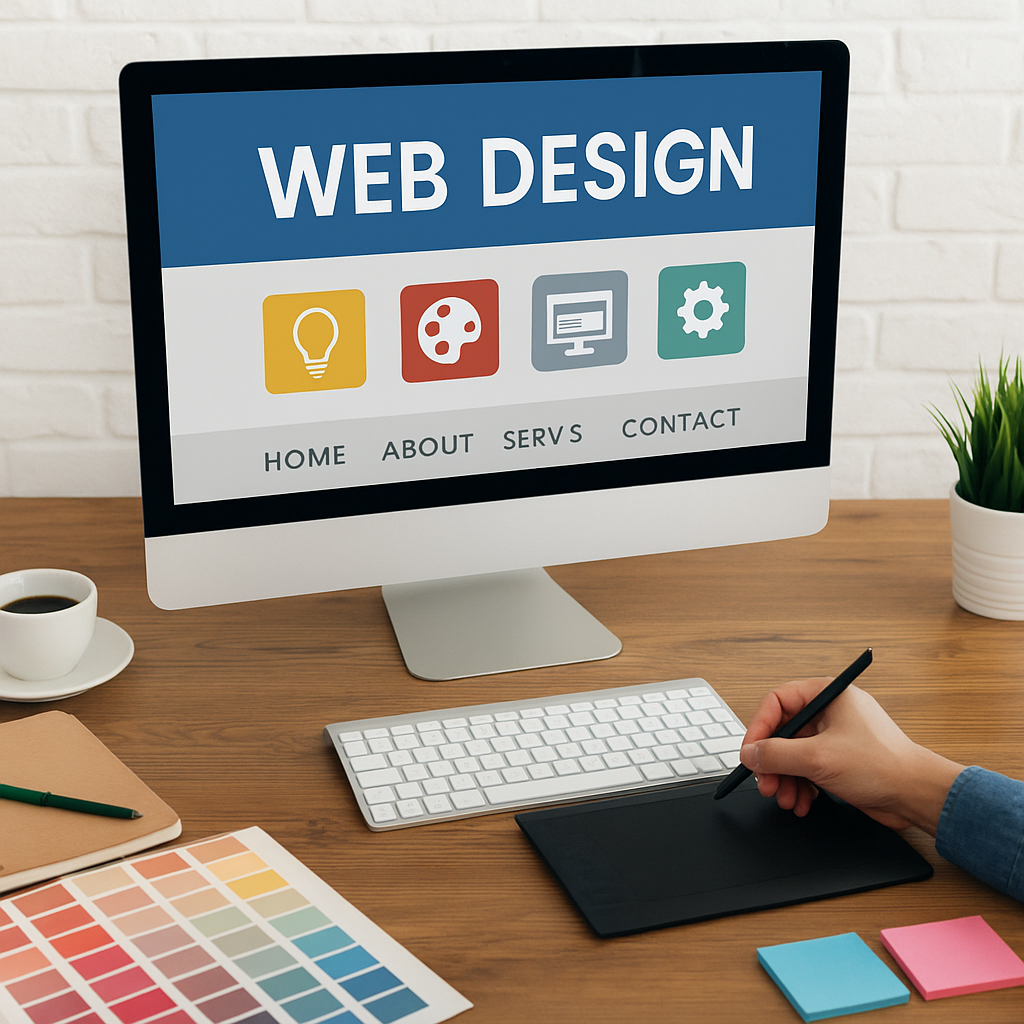
- Visual Designing (UI/UX)
- Website Building (Front-End & CMS)
- Deployment, Hosting & Optimization
Beginners mistakenly think website development is just “drag and drop”. But development is a process with planning, designing, testing, and maintenance.
Many beginners try to learn coding, WordPress, Webflow, Shopify, hosting, SEO, and everything at once.
That leads to burnout.
Instead, the golden rule:
Pick one beginner-friendly tool → Master it → Scale later
Whether you build a small portfolio or an eCommerce site, your website must be:
- Mobile responsive
- Fast-loading
- SEO-ready
- Secure
Beginners often skip these and later face issues like ranking drop, malware injection, or slow website.
After reviewing popularity, ease of use, demand, and learning curve, these are the top beginner tools in 2025:
WordPress powers more than 43% of the web and remains the #1 choice for beginners because:
- No coding required
- Thousands of templates
- SEO-friendly
- Works for business websites, blogs, portfolios, and eCommerce
- Massive community support
- Easy to scale
Best For:
Business websites, blogs, landing pages, portfolios, agency sites.
Why Beginners Love It:
Plugins make everything simple. No advanced technical knowledge required.
Wix offers:
- 100% visual drag-and-drop
- AI website builder
- Pre-built design sections
- No hosting headache
- Great templates
Best For:
Small businesses, personal sites, service providers.
Why Beginners Love It:
Fast setup. No hosting, no plugins, zero complexity.
Webflow is trending heavily because:

- Professional UI design control
- No-code interactions & animations
- Pixel-perfect precision
- Modern, premium website feel
Best For:
Agencies, startups, creative professionals.
Why Beginners Love It:
They can create visually stunning websites without coding.
Shopify remains unbeatable for online stores.
- Fast setup
- Secure checkout
- Inventory management
- Payment integration
- SEO features
- Mobile-optimized themes
Best For:
Online shops, D2C brands, product sellers.
Even though it’s not a website builder, Figma is essential for:
- UI/UX designing
- Wireframes
- Layouts
- Prototypes
Beginners can plan their website before development.
Elementor makes WordPress extremely easy.
- Drag & drop editor
- Visual control
- Section blocks
- Hundreds of templates
Perfect for beginners who want control without coding.
The 2025 trend: Canva is now used for quick portfolio sites and temporary landing pages.
- Zero learning curve
- Lightweight
- Good for students and freelancers
Not recommended for business websites.
Beginner mistake: Trying to design from scratch.
Professional secret: Always begin with a template.
Coding can be learned later.
For beginners → build visually first → understand structure → then move to code.
- What hosting is
- What a domain is
- What a CMS is
- What responsive design means
- What SEO basics are
This foundation makes everything easier.
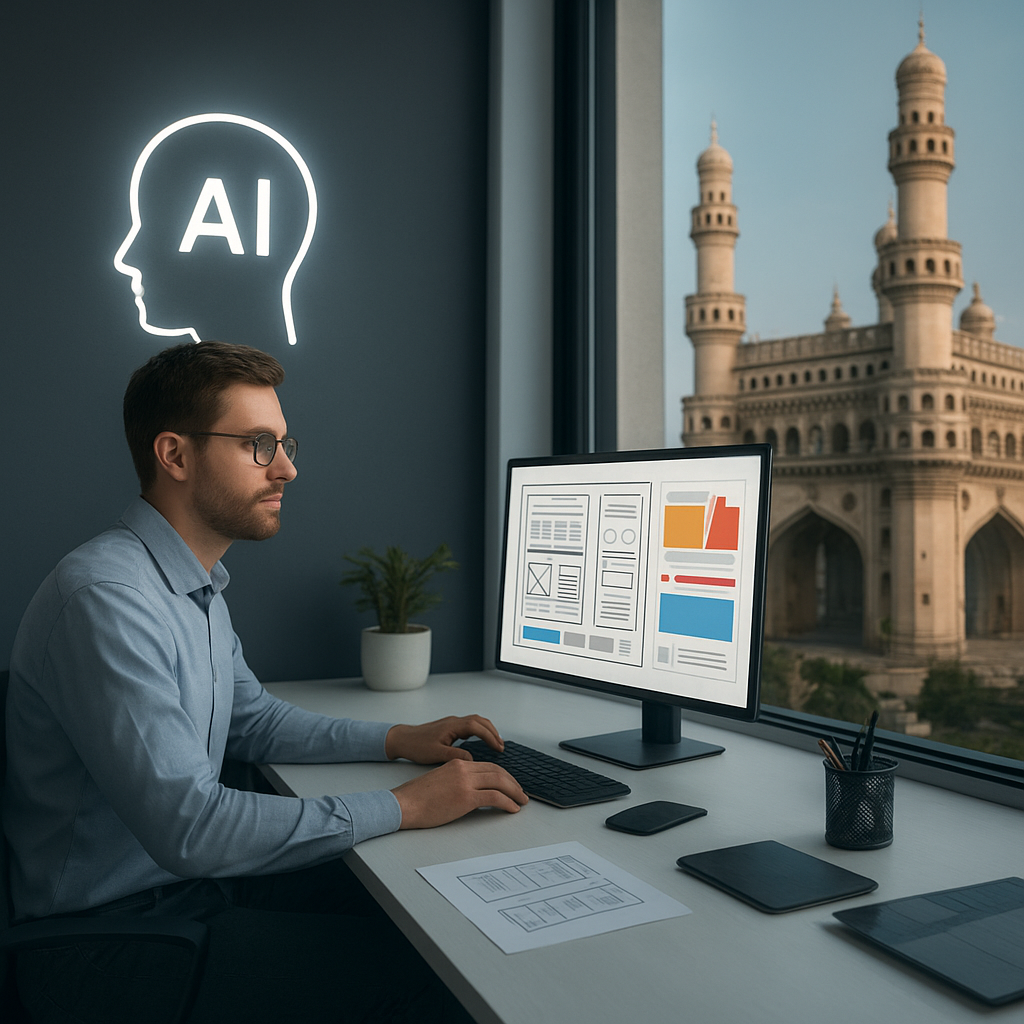
AI now generates:
- Layout ideas
- Content
- Color palettes
- Component suggestions
- Wireframes
Tools worth trying:
- Framer AI
- Midjourney design prompts
- ChatGPT for planning
- Wix ADI
Check:
- Page speed
- Mobile layout
- Button clicks
- Broken links
- Images
Beginners often skip testing → leads to problems later.
Best: WordPress + Elementor
Why: SEO-ready and easy to manage.
Best: Webflow
Why: Advanced design.
Best: Shopify
Why: Pre-built store system.
Best: Wix or Canva Websites
Best: Figma
This comparison helps beginners avoid wasting months on the wrong tool.
Hyderabad businesses increasingly want websites that rank fast, load fast, and convert visitors.
DIY tools are great for learning → but when it comes to serious business:
- SEO
- Security
- Performance
- Custom design
- Lead generation
- Professional look
- Scalability
- Corporate branding
require expert support.
This is why many beginners eventually reach out to trusted website designing firms.
Yash-Host stands out because:
- They guide beginners step-by-step
- They offer optimized website design services in Hyderabad
- Their team understands both design and SEO
- They ensure websites load fast and are fully responsive
- They work with the right tools based on project goals
- Their support is extremely beginner-friendly
- They offer scalable design solutions
It’s the safest choice when beginners get stuck or want professional finishing touches.

- Start small
- Use the right beginner-friendly tools
- Learn fundamentals
- Follow templates
- Improve gradually
- Take professional help whenever required
Website development doesn’t have to be complicated.
With the right tools, right tricks, and the right guidance, anyone can build a complete website in weeks.
